The "Human Tracker" Syndrome: What Happens to a Project When the PM Drops Off the Grid, and How Auto-Scheduling Saves the Release

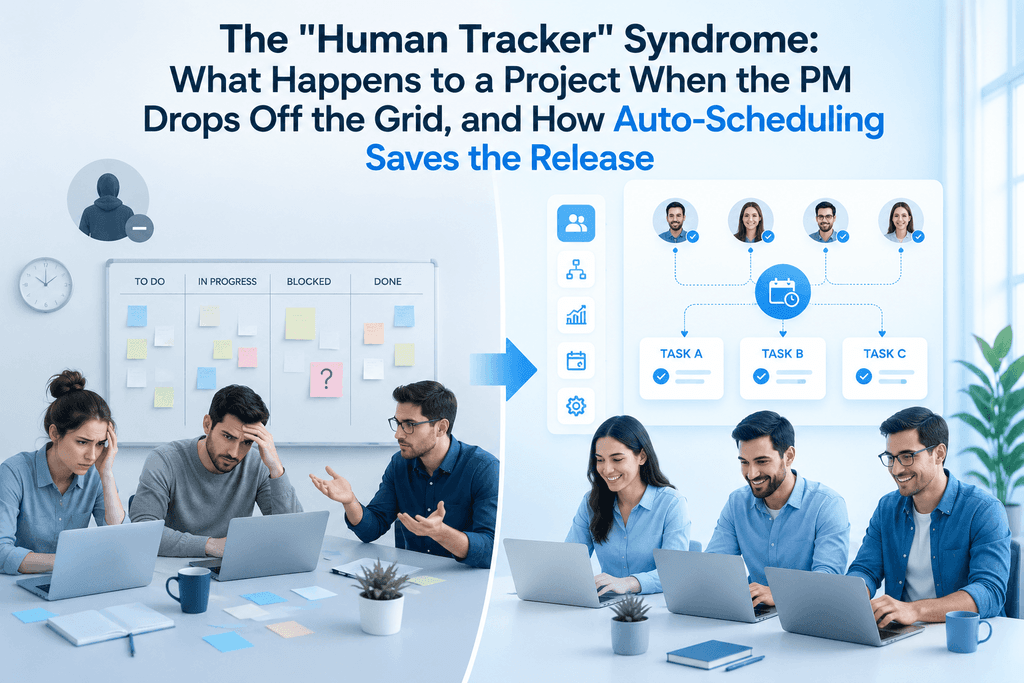
Imagine a classic Monday morning. 8:55 AM. The team gathers for the morning standup, but the project manager is nowhere to be found. An hour passes, then two, then half the day – their messenger status remains offline. The PM has simply vanished from the radar.
The reasons could be anything, and all of them completely valid: a sudden blackout in the city, a family emergency requiring them to rush off, an urgent hospitalization, or a brutal 102°F (39°C) fever making it physically impossible to even open their eyes. Life happens, and no one is immune. A PM is human, after all.
Now, let’s look at the project's workspace at 11:00 AM. What’s going on there while the manager is dealing with their emergency?
In 90% of IT companies, this is the exact moment a quiet but inevitable chaos begins. The designer is waiting for client feedback, unsure whether to keep drawing. A mid-level developer has just finished a complex task, opened the board, looked at the backlog, and... picked up nothing, because "there is no clear priority." The QA engineer is waiting for a merge request blocked by another task, but isn't nudging anyone because that’s usually the PM's job.
The project grinds to a halt. The team turns into blind kittens. Why? Because most companies have built their processes in a way that positions the PM not as a system architect, but as a "human tracker" and a task-routing robot.

The Micro-Management Trap: Why Classic Task Boards Fail
Everyone is used to standard task trackers. We view them as the pinnacle of management evolution. But let’s be honest: a standard Kanban board is just a digital equivalent of sticky notes on a wall. It is static. It cannot think.
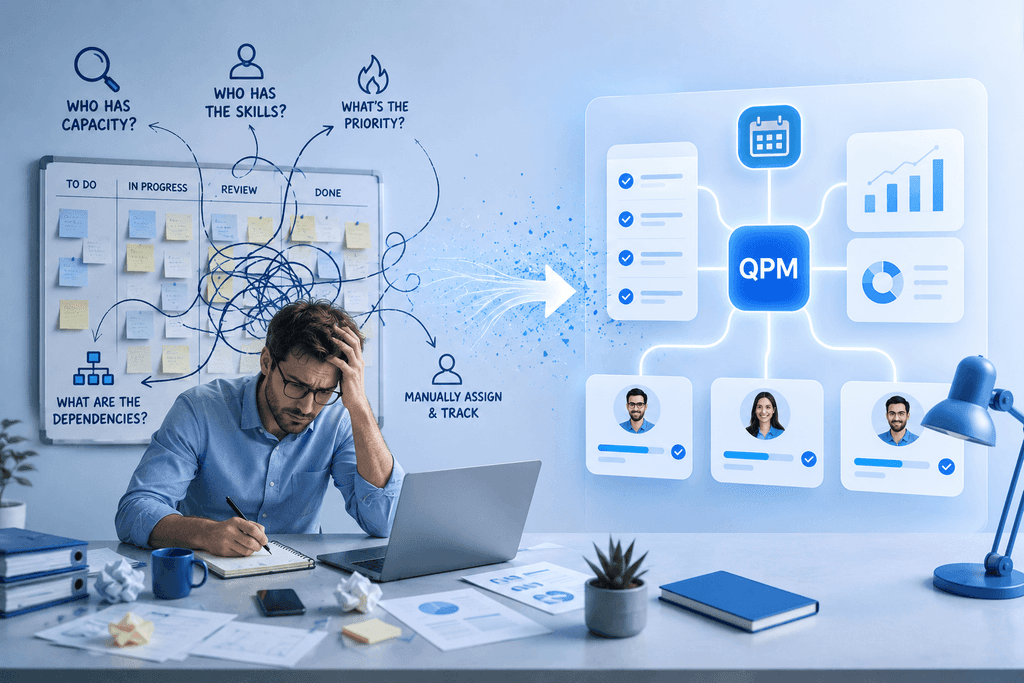
When processes rely entirely on manual management, the system has zero fault tolerance. For the workflow to move forward, the PM must perform dozens of micro-operations daily:
- Check who has free capacity.
- Recall (or look up in a spreadsheet) the specific skill set of a given developer.
- Evaluate current business priorities (what’s burning hotter – a production bug or a new feature for investors).
- Verify dependencies (is the architecture ready for the new task?).
- Manually drag the card and tag the person.
If this "human bridge" between business and development suddenly disappears due to an unexpected life event, the project enters a zone of turbulence. Work seemingly continues, but the team's efficiency drops by 50% because people waste time waiting, falling out of sync, and arguing over "what matters more."
The 2026 Solution: How Autoplaning Eliminates the Human Factor
Project management in 2026 should look entirely different. A manager's job is to set up the system's rules and logic, not to act as a "gatekeeper" opening the door for every single task. To achieve this, modern QPM (Quality Project Management) systems utilize autoplaning.
How does an automated ecosystem function when the PM drops off the grid? On an operational level, it simply doesn't notice their absence.
The smart tracker's algorithm reacts instantly, following a clear scenario:
- Step 1. Detecting available capacity. Alex, a backend developer, moves a task to "Done." The system instantly registers that his time tracker is ready for a new assignment.
- Step 2. Validation via skill mapping. The system knows Alex is a strong Mid-level Node.js developer, but has almost no experience with Python and doesn't touch the frontend. The algorithm automatically filters out all tasks that do not match his professional profile.
- Step 3. Analyzing critical dependencies. The smart tracker sees the project holistically. It knows there are only 4 days left until the release, and there is a task on the board that three other people are waiting on. This is a blocker.
- Step 4. Automatic assignment. Without a single click from a manager, Alex receives the next task in his workspace – one that is the highest priority for the business and a perfect match for his skills.
The handoff between tasks takes exactly 0 seconds. No one is sitting in chats asking, "What should I do next?", and no one is cherry-picking an easy task over an important one. The project keeps moving forward along its designated vector.
Cognitive Offloading: What a PM No Longer Needs to Remember
Beyond safeguarding against emergencies, auto-scheduling solves another hidden yet destructive problem – manager burnout from cognitive overload.
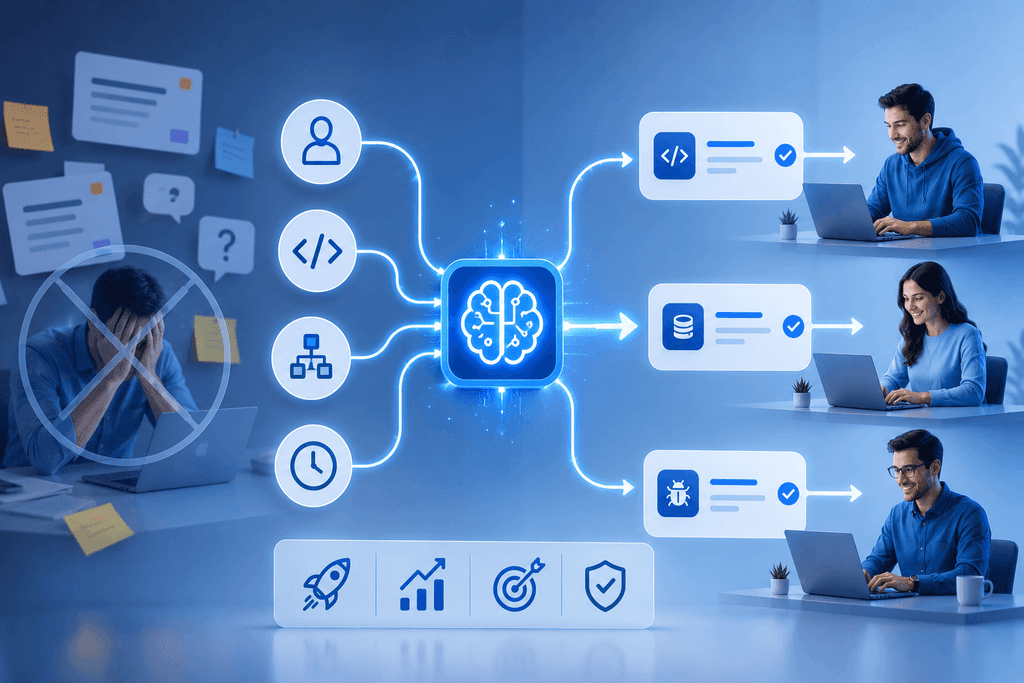
With the traditional approach, a PM is forced to function like a human supercomputer. Their brain turns into a massive, constantly buzzing database filled with hundreds of tiny details. With an automated QPM system, a PM no longer needs to:
- Keep track of who is working on what right now. The system tracks the real-time status of every team member. The manager doesn't need to endlessly ping developers with "Any updates?" or "When will you be done?".
- Calculate timelines on the fly. The algorithm automatically sees the exact second a current task closes and when a person is ready to pick up the next one. No manual scheduling overlaps, gaps, or idle time.
- Memorize everyone's skills and competencies. Who on the team is best at database optimization, and who builds complex UI forms faster? The system knows the exact profile and grade (Junior/Middle/Senior) of every specialist and won't assign a task to someone unqualified.
- Play detective with history. If a task involves modifying old features or fixing legacy code, the system retrieves the project history itself. It automatically identifies who wrote that specific piece of code in the past and routes the task to them, as they will get up to speed the fastest.
As a result, the PM stops being a "walking database." Their mind is freed from gigabytes of operational routine, allowing them to focus on what truly matters: strategic planning, risk management, and actually driving product quality.

The Economics of Autonomy: What’s in It for the Business?
Shifting from manual task distribution to automated QPM scheduling isn't about perfectionism. It's about financial security and business efficiency.
- Mitigating the "Bus Factor." A project's survival no longer hinges on the physical presence of a single person. The business is fully safeguarded against sudden management disruptions caused by mundane, real-life emergencies.
- Eliminating Idle Time. When a developer costing $30–$50 an hour sits around waiting for a task assignment, the company is burning money for nothing. Auto-scheduling drives this idle time down to zero.
- Saving the PM from Burnout. The manager finally stops being a "badgering robot" who constantly pesters the team. If an emergency arises, they can step away and handle their personal matters, fully confident that the project won't collapse. During working hours, they can focus on process improvement rather than routine card shuffling.
Conclusion
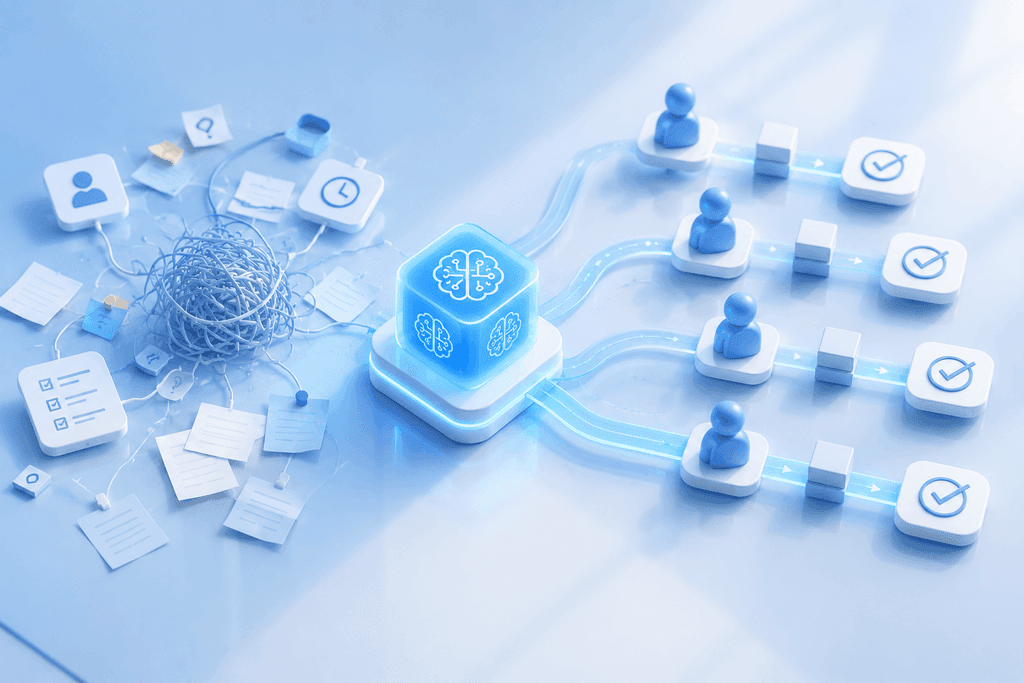
In 2026, manual micromanagement is a ticking time bomb that companies willingly plant under their own releases. Humans should think, create, and make strategic decisions. Algorithms, on the other hand, should handle routing tasks based on skills and priorities.
Run a simple test for your business: what would happen to your project tomorrow if your PM turned off their phone for 48 hours due to family emergencies or power outages? If the answer is "everything will grind to a halt and fall into chaos," then your management system is stuck in the past, and it’s high time to transition to automated QPM rails.