QPM as a response to the challenges of modern IT project management


IT teams operate in a world of rapid change: deadlines are shrinking, budgets are tightening, and quality requirements are increasing. In these conditions, traditional project management tools (disconnected task trackers, spreadsheets, messengers) no longer meet the challenges. Teams spend time on coordination, task execution, and oversight rather than focusing on results.
This is where QPM comes in — a next-generation project management platform that offers an integrated approach to planning, execution, and control. In this article, we’ll explore why modern IT projects need a new approach, how QPM addresses these needs, and when it’s the right time to consider transitioning to such a system.
Why traditional tools no longer work in the IT industry
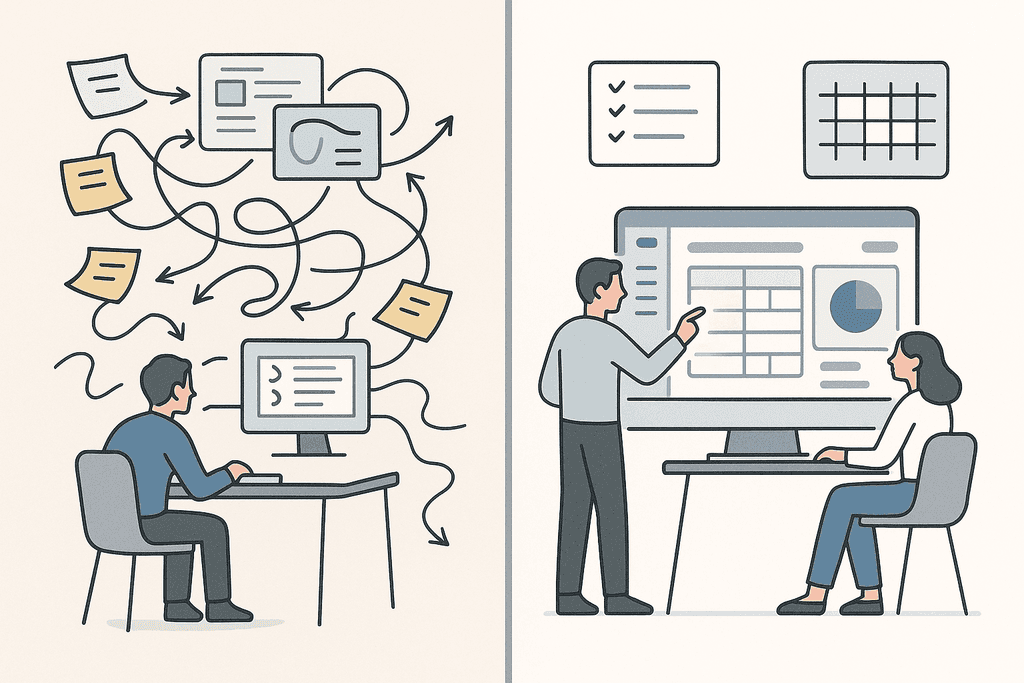
Many companies still use separate tools: one for task management, another for communication, and yet another for time tracking or reporting. This approach creates several problems:
Data fragmentation: tasks are scattered across different systems, information is duplicated, and tracking dependencies is difficult.
Lack of automation: much manual oversight, planning, and task reassignment are required.
Team scaling challenges: as the team grows, maintaining alignment becomes difficult.
Lack of transparency for managers: without a single tool, it’s hard to assess productivity, risks, and delays.
For example, the classic scenario: a manager creates a task in one tool, the assignee receives a notification in another, comments arrive via a messenger, and reporting is done manually. In such conditions, it’s easy to miss an important detail or a deadline. For IT teams using flexible approaches (Agile, DevOps, hybrid models), this challenge becomes even greater. They need high adaptability and rapid deployment of tasks. Modern software is designed to address these problems precisely.
QPM positions itself as a “smart, unified system” for handling both simple and complex projects. Below are its key features and how they address common challenges.
Autoplanning and Autoassignment
QPM provides automation for task planning and assignment, reducing manager workload and increasing team efficiency. The autoplanning feature automatically creates a task structure at each stage of a project, significantly improving time and resource estimates. Additionally, the system automatically assigns tasks to team members with the necessary skills, easing the manager’s burden and enabling more effective use of human resources.
Dependency Visualization and Buffer Planning
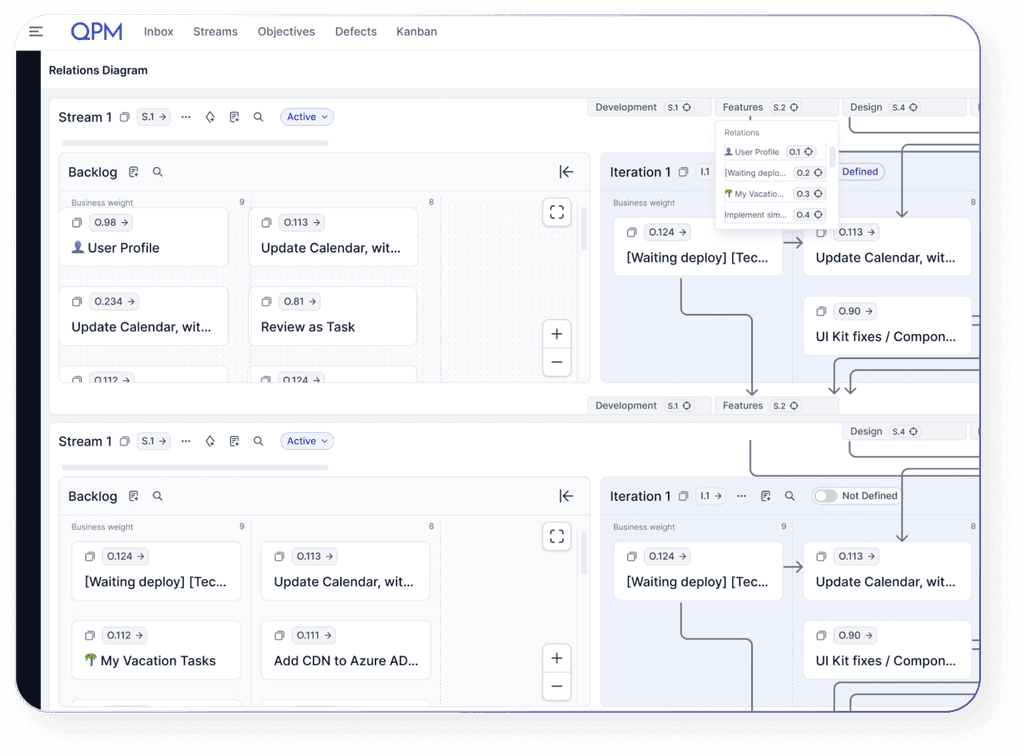
QPM provides visual diagrams showing task dependencies and buffer planning — time reserved for potential delays. This allows teams to anticipate risks rather than just react to them.
Centralized Management and Transparency
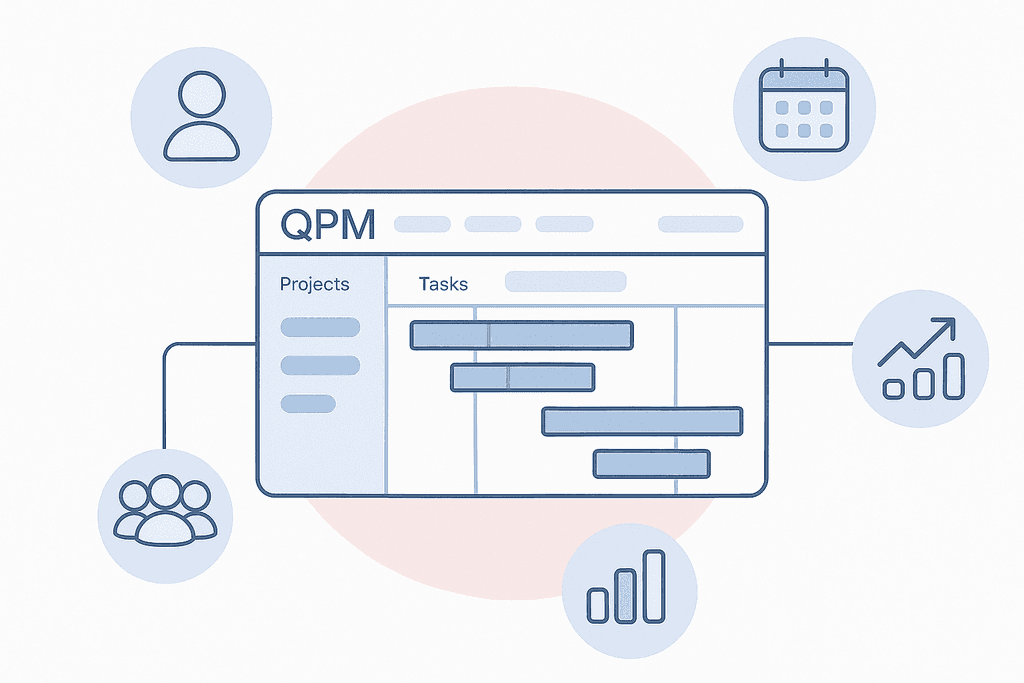
QPM creates a centralized management system where communication, calendars, documents, and reports operate under one roof. This centralization gives managers a clear view of who is working on what, how tasks are progressing, and where attention is needed to maintain momentum.
Analytics, Reporting, and Quality Control
Instead of creating reports manually, QPM provides real-time analytics on project status, costs, resources, and risks. Quality control is integrated into the process: the system tracks who made changes and when, ensuring a complete decision history.
Integrations and Scalability
QPM easily integrates with the core work services that teams already use daily — Azure, GitHub and GitLab, Google Drive, OneDrive. This ensures process continuity: tasks, documents, code, and reports remain within a single working environment. The platform scales to any team size, from small product groups to large enterprises, providing stability, transparency, and efficiency in project management.
One Tool Instead of Many
For IT teams working across different time zones, with remote specialists, often on outsourcing or in startups, having a single platform is critical. In QPM, all projects, tasks, and comments are in one place. This significantly reduces support and training costs across multiple systems and increases execution speed.
Collaboration Between Teams
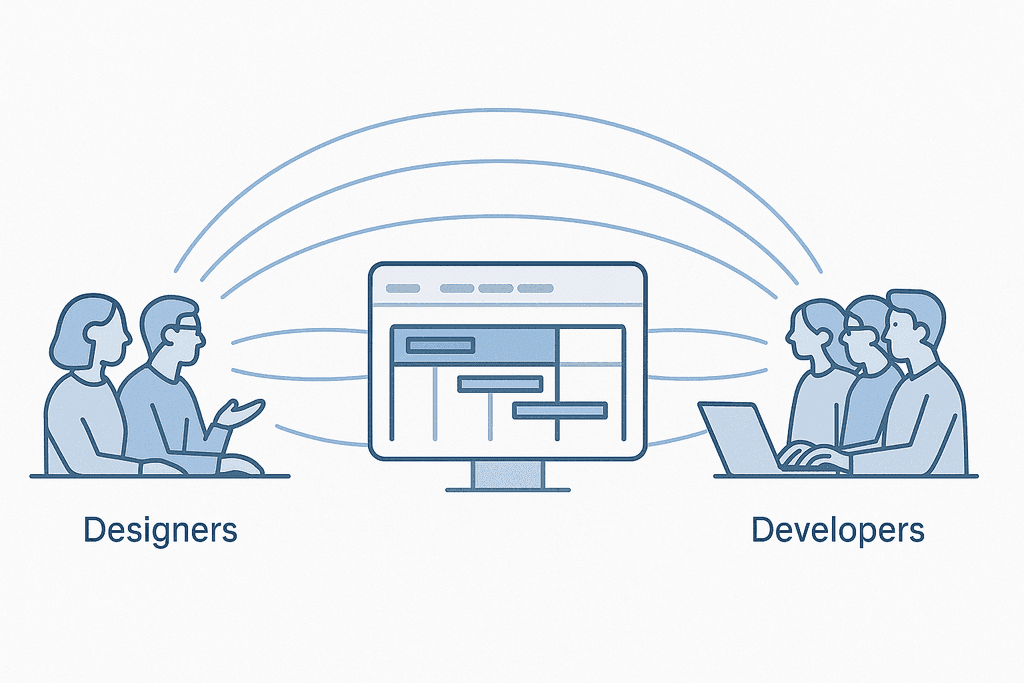
For example, the development team can work on their own module while marketing and design focus on other areas simultaneously. QPM brings all these processes into a single system: it allows tracking task dependencies, monitoring time buffers, and coordinating collaboration between teams. In international projects, this means one environment, shared transparency, and alignment for all participants.
Reducing Time to Results
Thanks to automatic task assignment and autoplanning, QPM handles the planning routine. The system analyzes roles, skills, and current team workload, then automatically distributes tasks and creates an optimal work schedule.
Improving Quality and Reducing Risks
IT projects often face failures due to late-detected dependencies. With QPM’s diagrams and risk monitoring, teams can proactively address issues before they escalate into a crisis.
Who Is QPM For?
- Development Teams (software, game dev) — when automation, dependencies, buffers, and analytics are needed.
- Product Startups — speed, alignment, and minimal manual work are critical.
- Outsourcing / Freelance Agencies — multiple clients, different time zones, and the need for cross-cultural collaboration.
Key Challenges and How QPM Addresses Them
Manual planning and assignment → Autoplanning, autoassignment
Lack of team alignment → Centralized system, dependency diagrams
Process opacity → Real-time monitoring and reports
Delays due to unaccounted time → Buffer planning
Using multiple tools → One system instead of many programs
A Quick Guide to Implementing QPM
- Audit: Review the tools you currently use and identify your challenges.
- Engage key users: Involve managers, developers, and QA to determine needs.
- Configure QPM: Set up the system according to your team’s requirements.
- Train the team: Teach them how to use the system and run a “practice” project.
- Migrate or start projects: Move existing projects or launch a new one in QPM — start with real work.
Monitor results: Check if planning time has decreased and productivity has increased.
Conclusion: It’s Time to Change Your Approach to Project Management
In an era where IT teams work faster, across broader teams, and on more complex products, simple task trackers and fragmented systems no longer meet the demands. Switching to a modern project management system is not just a change of tools — it’s a shift in the way teams work. QPM offers a comprehensive solution: automation, transparency, centralization, and analytics — all helping teams spend less time on how and more on what and why. If you’re ready to take your IT project management to the next level, now is the time to try QPM.