How to Choose the Right Project Management Software for Your Team


Selecting the best project management software is one of the most critical decisions a company can make. In an era where collaboration happens across time zones and industries move faster than ever before, having a tool that keeps projects organized and teams aligned is no longer optional—it is essential. The challenge, however, is that the market is crowded with solutions that all claim to be the best. Knowing how to evaluate them and find the one that truly matches your team’s needs will determine whether your projects succeed smoothly or struggle with inefficiency.

Why Project Management Software Is Crucial
At its core, project management software provides a shared structure for teamwork. Instead of relying on scattered emails, endless spreadsheets, or informal check-ins, teams gain one central hub for coordination. Deadlines become clearer, responsibilities are visible to everyone, and progress is easily measurable. This structure not only reduces mistakes but also builds accountability.
The right platform also helps leaders make informed decisions. By giving managers a real-time overview of what is happening, it becomes possible to anticipate risks, redistribute workloads, and prevent delays. In other words, good software is not simply about storing tasks—it becomes the engine that keeps projects moving forward.

Step One: Understand Your Team’s Needs
Before examining specific tools, it is essential to take a step back and assess how your team actually operates. A startup with five people will not have the same requirements as an established company managing multiple departments. Some teams thrive on simple visual task boards, while others need detailed reporting to track budgets, resources, and milestones.
The key questions to ask are:
How many people will be using the system?
What kind of projects do you usually manage—short creative campaigns, or long technical builds?
Do you rely heavily on remote collaboration, or do most discussions happen in person?
Step Two: Focus on Core Capabilities
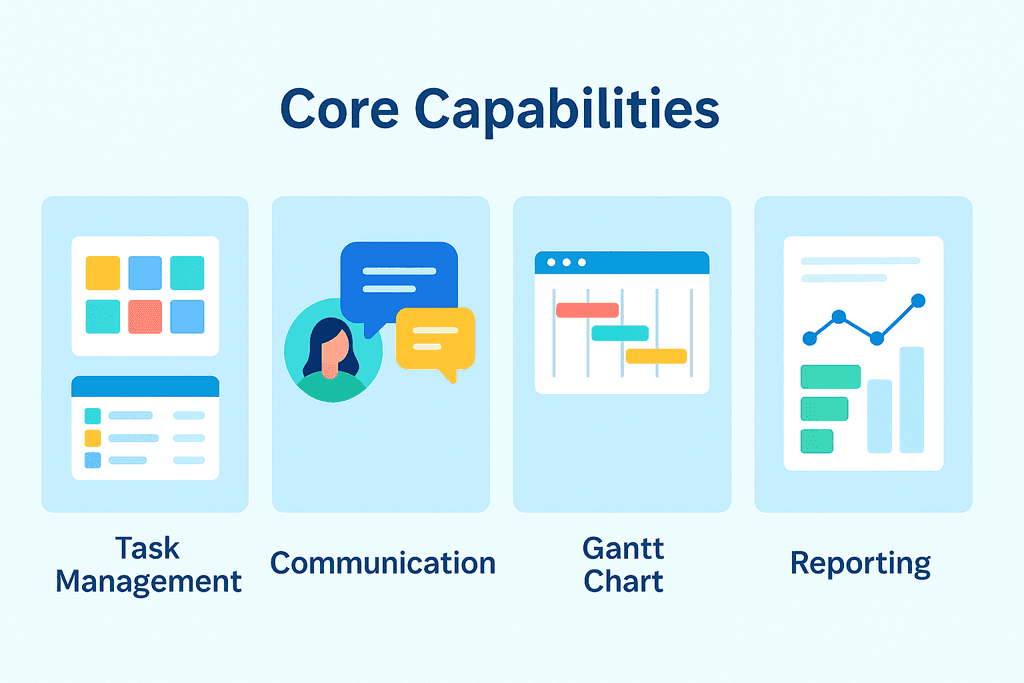
While every tool has its unique approach, most strong project management systems share a set of essential features. Task management lies at the heart of these platforms, allowing managers to assign responsibilities and set priorities. Communication features are equally important, since a project can quickly fail if information is buried or delayed. Progress tracking and reporting provide visibility, ensuring that deadlines are not only set but met.
The challenge is not in finding software that offers these basics—they are everywhere—but in selecting the one that delivers them in a way that feels natural to your team. Some systems overwhelm users with complexity, while others keep things so simple that they cannot handle growth. The sweet spot is software that combines structure with flexibility.
Step Three: Usability and Scalability Matter
Even the most powerful tool is useless if your team refuses to use it. Usability is one of your top priorities. A platform that is intuitive and easy to navigate reduces resistance to adoption. Employees will not need weeks of training to get started, and managers will not waste time enforcing use.
Scalability is the second half of this equation. A tool that works for a ten-person team may not be suitable once you expand to fifty people. As your company grows, your projects will become more complex, and the demands on your software will increase. The best choice is one that grows with you rather than forcing you to switch systems every few years.

Step Four: Balance Budget and Value
Cost always plays a role in decision-making, but the cheapest option is rarely the best. Instead of focusing only on price, it is smarter to think in terms of value. What are you receiving in return for the subscription fee? Does the platform include the features you need now and the flexibility you will require later?
For small teams, a straightforward and affordable solution may be enough. Larger organizations, however, often find that paying more for advanced reporting, stronger integrations, and additional security is well worth the investment. By considering the total return on value, not just the monthly fee, you protect your business from hidden costs in the future.
Step Five: Test Before You Commit
Most software providers offer free trials, and these are opportunities you should never skip. A demo will show you how the tool functions, but a trial lets you see how it fits into your daily workflow. Invite your team to use it during real projects, then gather feedback. Were tasks easier to follow? Did communication improve? Did deadlines feel more manageable?
Sometimes, a tool that looks excellent in theory can feel awkward in practice. By testing first, you reduce the risk of making a costly mistake.
QPM: A Modern Solution for Project Management
Many tools offer project management capabilities, but QPM was explicitly designed to address the challenges modern teams encounter. Instead of providing an overwhelming list of features, QPM focuses on clarity, collaboration, and measurable results.
With QPM, teams gain:
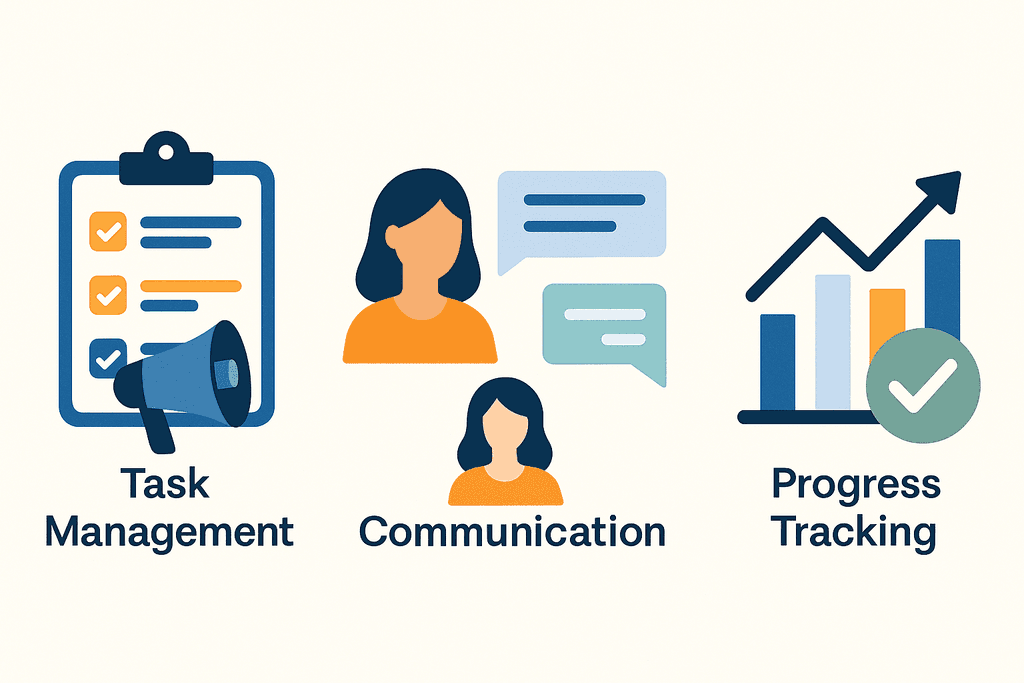
Intuitive task management that keeps everyone aligned and ensures no step is missed.
Transparent dashboards that give a clear overview of project progress.
Seamless collaboration, making communication part of the workflow rather than an extra task.
Clear visualization of dependencies between tasks and teams ensures everyone is coordinated and aware of critical connections.

Avoiding Common Pitfalls
When choosing project management software, companies often fall into predictable traps. The most frequent include:
Selecting a tool just because it is popular, not because it suits the team’s workflow.
Overlooking scalability and facing an early switch to another system.
Ignoring employee feedback results in low adoption rates.
Failing to test integrations leads to fragmented workflows.
Conclusion
The process of selecting project management software should never be rushed. The right tool is not just a system for organizing tasks; it is a foundation for collaboration, accountability, and growth. By taking the time to assess your team’s needs, focusing on usability and scalability, and testing before committing, you can avoid the common mistakes that hold projects back.
With QPM, teams gain a platform that delivers clarity without complexity, collaboration without confusion, and control without rigidity. It is a solution designed for organizations that want to manage projects effectively and sustainably. By making the right choice today, you set your team up for success tomorrow.
By being aware of these mistakes, you can make a more informed choice and avoid unnecessary costs.