Top 7 Benefits of Automating Task Assignment in Project Management

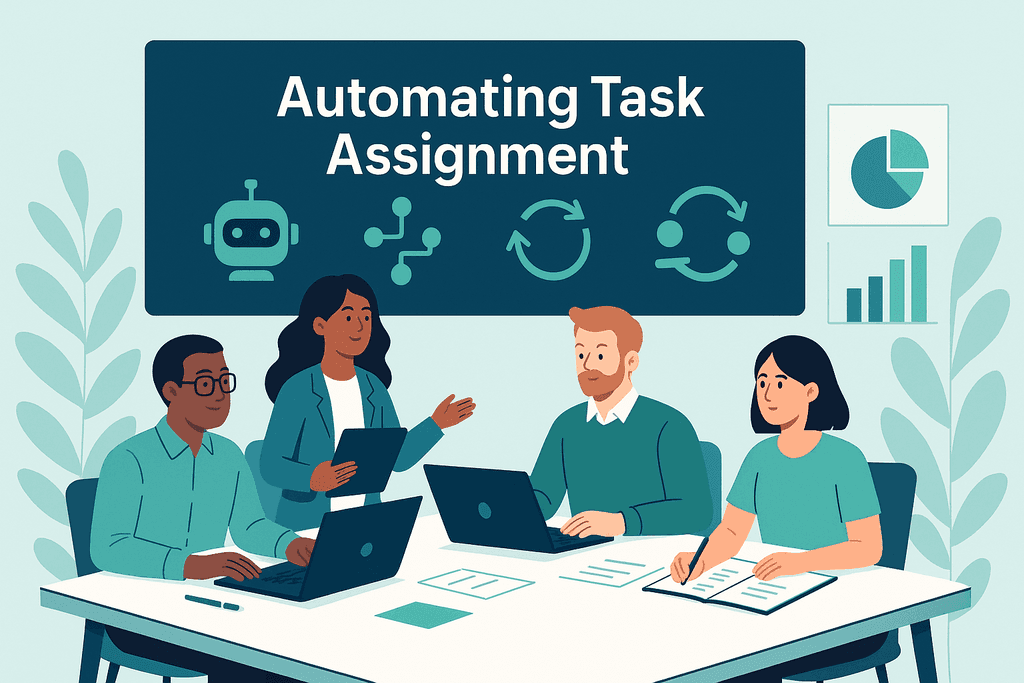
In today’s fast-paced business environment, project success depends on the effective allocation of human and time resources, as well as on accurate task assignment. When this distribution is done manually, “bottlenecks” often arise, including overloading individual employees, uneven distribution of work between teams, delays caused by a lack of transparency, and task duplication. As a result, this leads to misunderstandings and a loss of valuable time. That is why an increasing number of organizations are turning to task assignment automation to balance workloads, eliminate delays, and boost productivity.
By utilizing intelligent automation, the QPM system, equipped with the Autoassignment feature, automatically distributes tasks among team members. It takes into account key factors: employees’ skills, their current workload, and the priority of tasks. Thanks to this, the manager no longer needs to assign each task manually — the system does it automatically, ensuring an optimal workload and a balanced distribution of work. In this article, we will examine 10 key benefits of task assignment automation and demonstrate how QPM’s Autoassignment enables teams to work smarter and achieve results more efficiently.
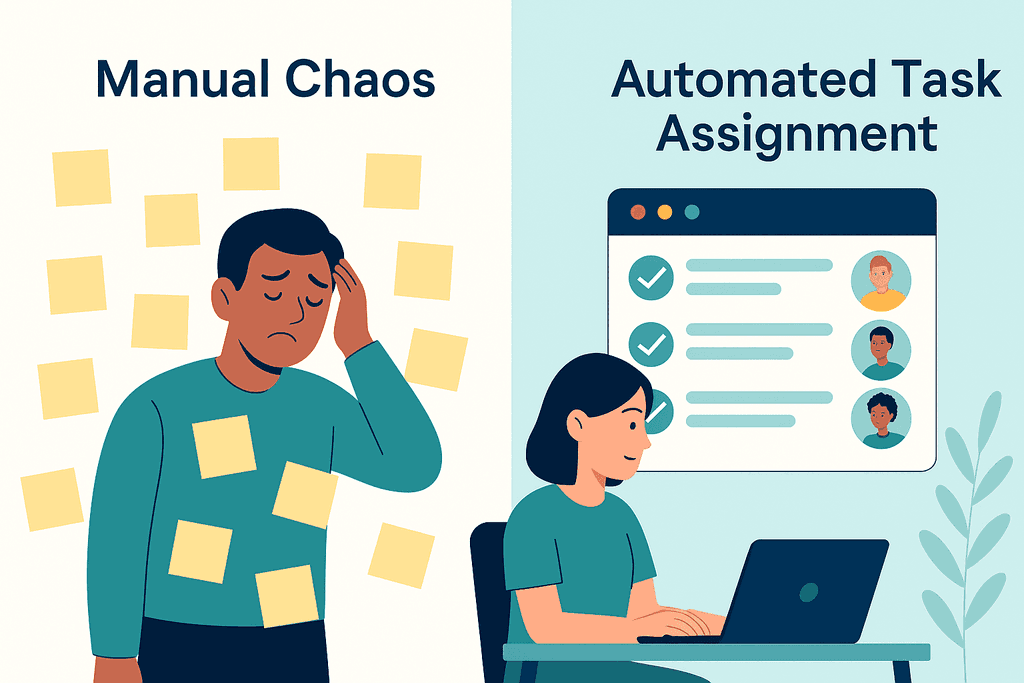
As teams grow, manual task allocation becomes unsustainable. Managers spend hours on coordination, leaving less time for strategic planning. Errors occur constantly — overloading individual employees, assigning tasks to team members who are on vacation or sick leave, and overlooking urgent tasks. This slows progress and causes frustration.
Automation solves this by:
- Matching tasks to the right people instantly.
- Balancing workloads automatically.
- Adjusting priorities in real-time.
- Providing transparency for all stakeholders.
Simply put, task assignment automation creates a smooth, predictable process that scales with your organization.
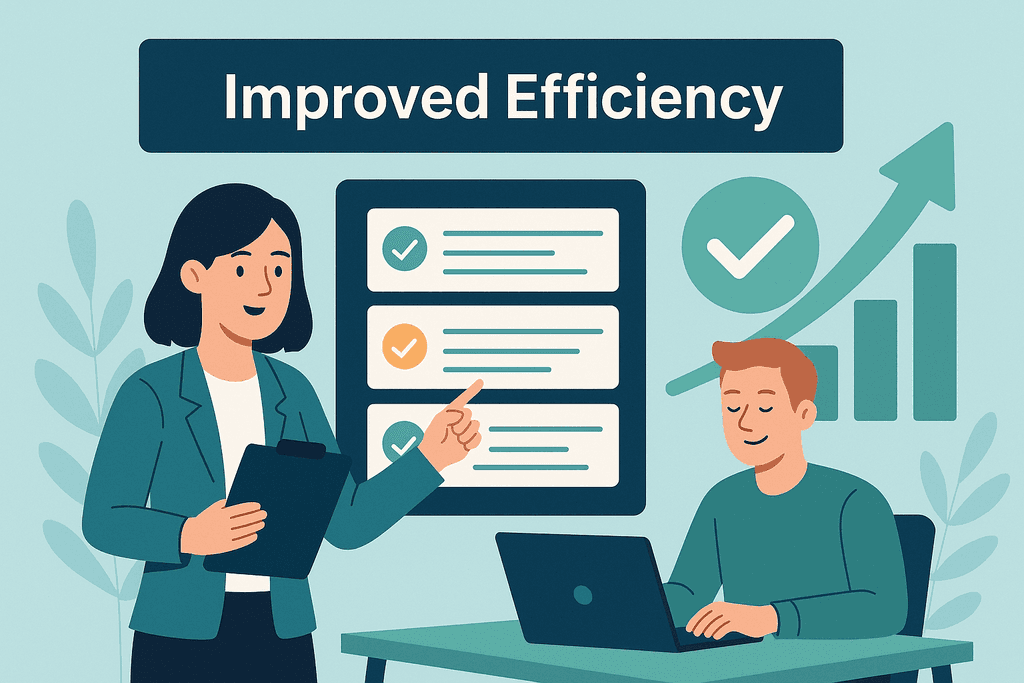
1. Increased Efficiency and Time Savings
Automation eliminates repetitive, manual steps in task assignment. Managers can focus on strategy instead of spending hours on administrative work, while teams start work faster.
2. Reduced Human Error
Automated systems follow predefined rules, minimizing mistakes like double-assigning tasks or missing deadlines. This consistency ensures higher-quality project execution.
3. Better Resource Utilization
Automation considers workload and skill sets to distribute tasks evenly, preventing burnout and underutilization. This leads to a more balanced, motivated team.
4. Faster Adaptability to Change
When priorities shift, automation instantly reallocates tasks based on updated conditions. This agility keeps projects on track even when unexpected challenges arise.
5. Improved Transparency and Accountability
With automated assignment, every task is logged and visible to all team members. Teams know precisely who is responsible, and managers can track progress without needing to micromanage.
6. Role Control in Processes
Automation helps prevent mistakes in task distribution. For example, the system can automatically assign executors while ensuring that the same person is not responsible both for completing and reviewing a task. This brings transparency to the process and helps maintain the quality of results.
7. Enhanced Collaboration
Clear, timely task allocation reduces confusion and conflicts. Teams communicate more effectively and collaborate more efficiently when roles are clearly defined and understood.
Implementing task assignment automation requires planning and alignment with team workflows. Here are five steps to get started:
1. Define Business Rules and Logic
Decide how tasks should be assigned — by skills, workload, priority, or a combination of factors.2. Start Small
Begin with a single team or project to test and refine your automation strategy.
3. Integrate with Existing Workflows
Select a solution that integrates seamlessly with your existing project management processes.4. Monitor and Optimize
Use reporting and analytics to refine rules and improve performance over time.5. Train and Support Your Team
Ensure everyone understands the system and feels comfortable using it.
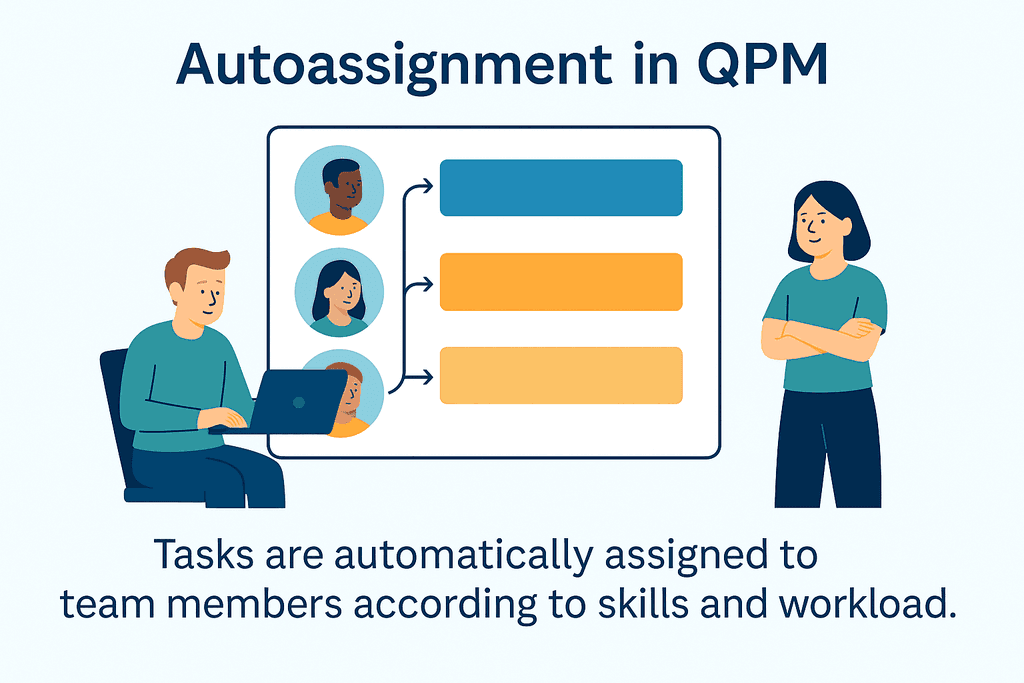
While there are many automation tools available, QPM is explicitly designed to make task assignment intelligent, seamless, and scalable. Its Autoassignment feature helps teams move faster by eliminating manual steps and reducing complexity.
Key QPM AutoAssignment Capabilities:
Candidate evaluation based on rules
QPM automatically selects candidates who meet the task requirements: skills, expertise level, and relevant experience.Ranking and prioritization
The system evaluates candidates using weighted rules, creates a ranking, and selects the best match — eliminating guesswork and manual review.Real-time availability check
QPM analyzes calendars, active tasks, and short-term availability to optimize resource allocation. If needed, the system can wait a few hours to assign the task to the most suitable team member.Transparent decision logic
Each assignment is accompanied by a comprehensive explanation, detailing who was selected, which rules were applied, and why other candidates were not chosen.Task-type-based rule sets
Different logic can be applied to different task types (e.g., bugs vs. new features) for more precise and contextual assignment.
By leveraging QPM, organizations can streamline their project management processes while maintaining flexibility and control.
Automating task assignment is no longer optional; it’s a necessity for teams that want to deliver projects faster, with fewer errors and greater transparency. From saving time and reducing costs to boosting team morale, the benefits of automation are clear.
QPM’s autoassignment feature empowers teams to focus on what truly matters: delivering results. Start by defining your assignment rules, setting up automation within QPM, and watch your projects become more efficient and scalable.
Ready to take the next step? Explore how QPM can revolutionize your project management and unlock the full potential of task assignment automation.