Task Control Without Chasing Status Updates: How Managers Use AI Summaries

Why task control isn’t micromanagement
Task control isn’t about watching people. It’s about seeing early where work has stalled. Without it, a manager finds out about a missed deadline when it’s too late to save it.
The problem is that control itself eats up time. According to Asana’s Anatomy of Work study, employees spend about 60% of their working day on “work about work”: status emails, searching for information, and reporting meetings. For managers, the share is even higher, at 62%. That leaves 26% of the day for skilled work and 14% for strategy.
Even so, one in four deadlines still slips every week. A lot of time goes into gathering information, but managers don’t actually see more.
Where control breaks down
Task information is usually scattered across the task tracker, email, messengers and meeting notes. To understand the real state of a project, a manager does one of three things:
- asks each person individually, which distracts the team;
- calls a status meeting, which costs several people an hour;
- waits for a written report, which arrives late and slightly polished.
In all three cases, people spend time talking about their work instead of doing it. And the most important part, where a task is stuck and what needs to be decided, often gets lost in vague wording.

How managers already use AI summaries
Leaders at large companies no longer collect status updates by hand. AI does that work for them. A few scenarios come up again and again in public examples:
- Project report. The head of Microsoft has described asking AI to pull updates from emails, chats and meeting notes and give a short answer: is the launch on track, what are the risks, and what questions to expect.
- Meeting prep. AI gathers in advance what was discussed before and what matters to the other person right now.
- Morning summary. One page instead of dozens of messages: what’s done, what’s behind, where a decision is needed.
- Clients. AI tracks client mentions and sentiment and sends updates on its own.
Managers who work this way report savings ranging from 1–2 hours a day to 5–10 hours a week. The idea is the same everywhere: the manager gets a ready summary and spends their time on decisions.
What an AI manager does
An AI manager handles information gathering and leaves decisions to the manager. In day-to-day work, it looks like this:
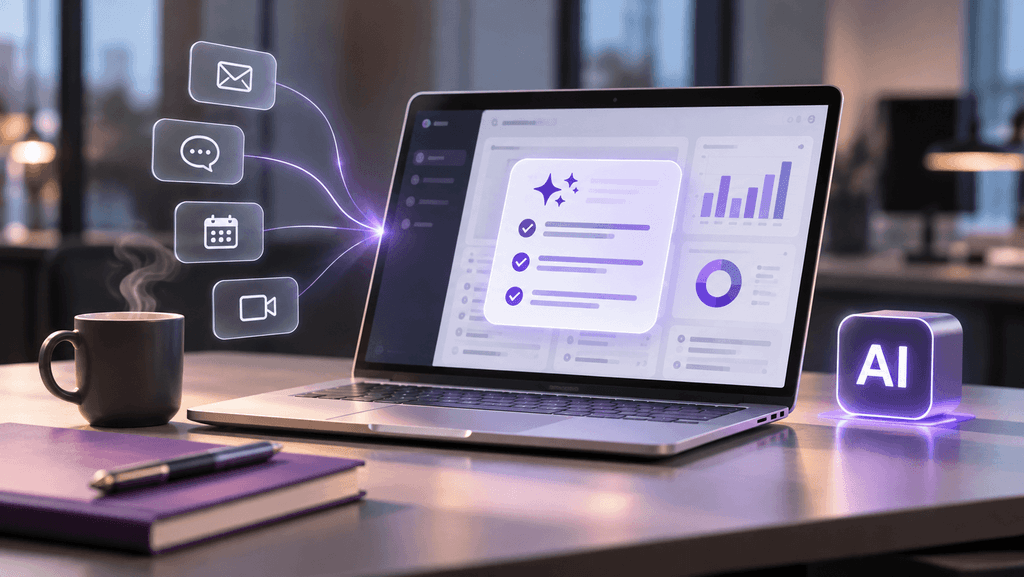
- Collects. Task statuses, comments, deadlines and meeting agreements, without asking the team.
- Compares against the plan. Sees what’s behind, what’s stuck and who has too much on their plate.
- Gives a short report. A few lines: what’s done, what’s at risk, where the manager needs to decide.
- Sends reminders and tracks deadlines. The team gets reminders before a deadline is missed.
The difference from a regular report is that the summary is built on data from the system, not on someone’s account of it. You don’t have to wait until Friday for it, and there’s no temptation to make progress look better than it is.

How it works in QPM Solutions
In QPM Solutions, task control is handled by the AI Project Manager, a team member you can assign work to without hiring someone new. Two more tools work alongside it:
- AI Project Manager tracks tasks and deadlines and prepares short reports on project status. You can invite it to a meeting, where it acts as a PM and creates tasks from what was agreed.
- AI Assistant works with documents and meeting minutes: paste in the text and get a structure and tasks.
- AI Helper is available at every step to phrase a task, break it into subtasks or fill out a description.
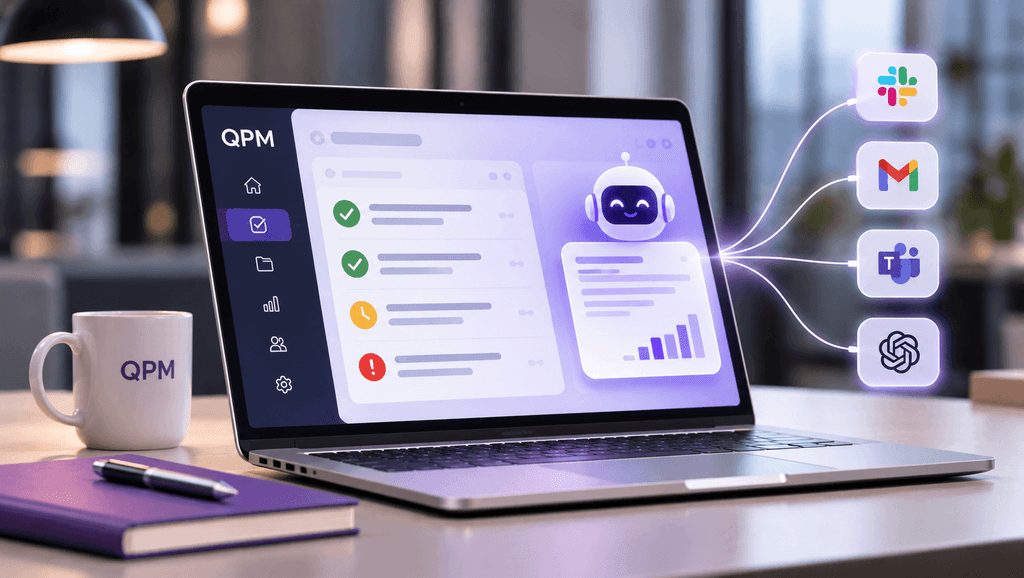
You can give the AI Project Manager a task wherever it’s convenient: in QPM by tagging it on a task, through Slack, by email, in a meeting, or via MCP from AI tools. Setup takes 2–3 days.
For example, a marketing team is running a competitor analysis and preparing a campaign. Instead of a status meeting, the manager gets a morning summary: the pricing analysis is done, the designer brief is two days late, and the budget needs approval.
What stays with people
AI collects and condenses information, but the manager still makes the decisions. Even where AI already prepares summaries, the team reviews some of them before they go out. A good summary doesn’t say “the team discussed priorities.” It names the specific disagreement, deadline or risk.
The takeaway is simple: task control is necessary, but you no longer have to gather it by hand. When the AI Project Manager collects the statuses, the team works, and the manager reads a short report and focuses on what needs their attention.
Try QPM Solutions: qpm.solutions