Manage Tasks from Your AI Chat: What MCP Gives Teams That Don’t Write Code

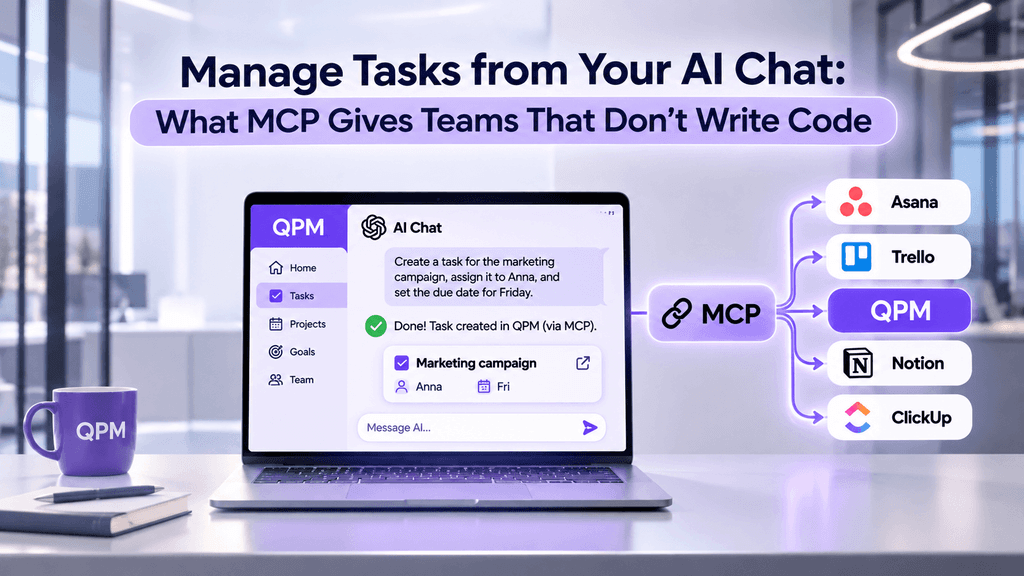
A familiar scenario: you’ve worked through a campaign plan in ChatGPT or Claude, got a list of steps — and now you’re moving them into your task tracker by hand. Copying task names, setting deadlines, assigning people. Then in the evening you open the tracker again to see what got done and paste it back into the chat for a report.
The AI chat and the tracker live separately, and a person sits between them acting as a translator. MCP removes that step: the chat gets direct access to the tracker and can create tasks, check statuses or prepare a summary on its own.
“MCP” still sounds like something for developers. In this article, we explain in plain terms what it is, how it works, and what it gives marketing, sales and operations teams.
What MCP is, in plain terms
MCP (Model Context Protocol) is an open standard that lets an AI assistant connect to other applications: a task tracker, a CRM, documents, a calendar. Through it, AI can do more than reply with text — it can read data from these applications and take actions in them.
The simplest comparison is USB-C. Every device used to have its own charging cable. Now one connector fits everything. Before MCP, every “AI + application” pair needed its own separate integration. With MCP, an application builds its connection once, and different AI assistants can work with it.
Where it came from. MCP was introduced by Anthropic (the company behind Claude) in November 2024. Within a year, other major players adopted the standard. In December 2025, Anthropic handed MCP over to the Linux Foundation — to the new Agentic AI Foundation, founded by Anthropic, OpenAI and Block with support from Google, Microsoft and AWS. So it’s not one company’s technology but a shared industry standard.
How widespread it is. In March 2026, the protocol’s SDK was downloaded 97 million times a month. MCP connections are supported by Claude, ChatGPT and other AI assistants, as well as a growing number of work tools.
How it works
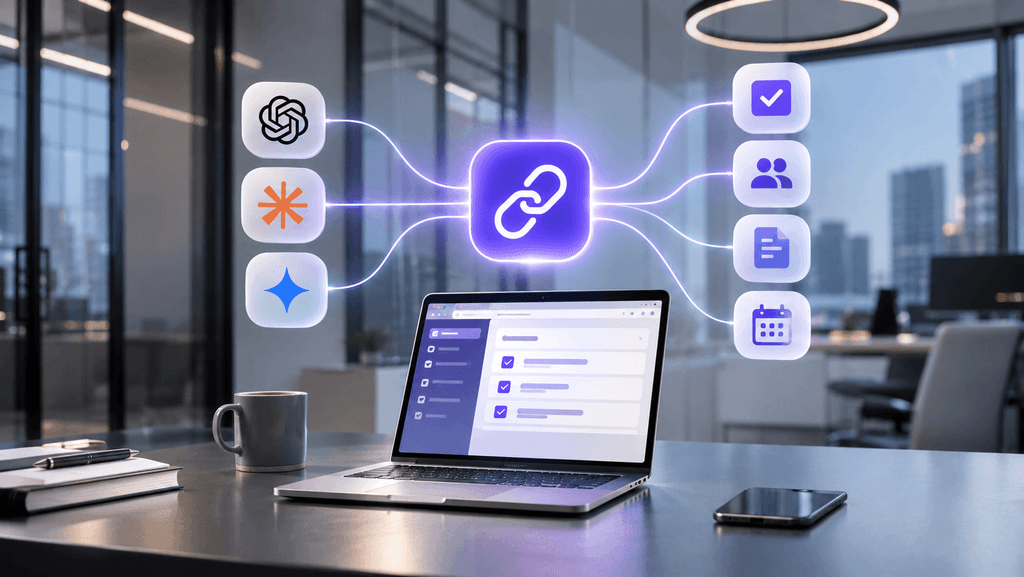
For the user, it looks like a normal conversation. Under the hood, there are three steps:
Connection. You add the tracker once as a connector in your AI assistant’s settings and sign in to your account. The AI gets the same permissions you have: it sees only your projects.
Request. You write in plain language: “Create tasks for next week’s social media campaign launch.” The AI understands it needs the tracker to answer and reaches it via MCP.
Action. The tracker carries out the command — creates tasks, changes a status, returns a list — and the AI shows the result in the chat. The tasks are already in the tracker; there’s nothing to move over.
No coding required. The technical side is handled by the developers of the tracker and the AI assistant.
What it gives teams that don’t write code
The main benefit is less manual transfer between chat and tracker. A few scenarios where you feel it right away:
There’s a less obvious benefit too. When you’re already working on a text or analysis in an AI chat, you don’t need to switch to another tab to record the next step. Fewer switches mean less fatigue: a BCG study found that productivity drops when a person keeps more than three AI tools open at once.
What to keep in mind
Access permissions. The AI acts on your behalf and sees what you see. Connect only services you trust, and check which actions are allowed: read-only or changes as well.
AI assistant plans. Not all plans offer the same capabilities. For example, in ChatGPT, full MCP support with write actions is still in beta and available on Business, Enterprise and Edu plans. Check the terms of your plan.
Checking the result. AI can misread a request. Before bulk changes — deleting or reassigning many tasks — ask it to show what exactly it’s going to do first.
Company policy. In larger teams, connecting external services to AI often needs IT approval. It’s better to agree on this upfront than to disconnect later.

MCP in QPM Solutions
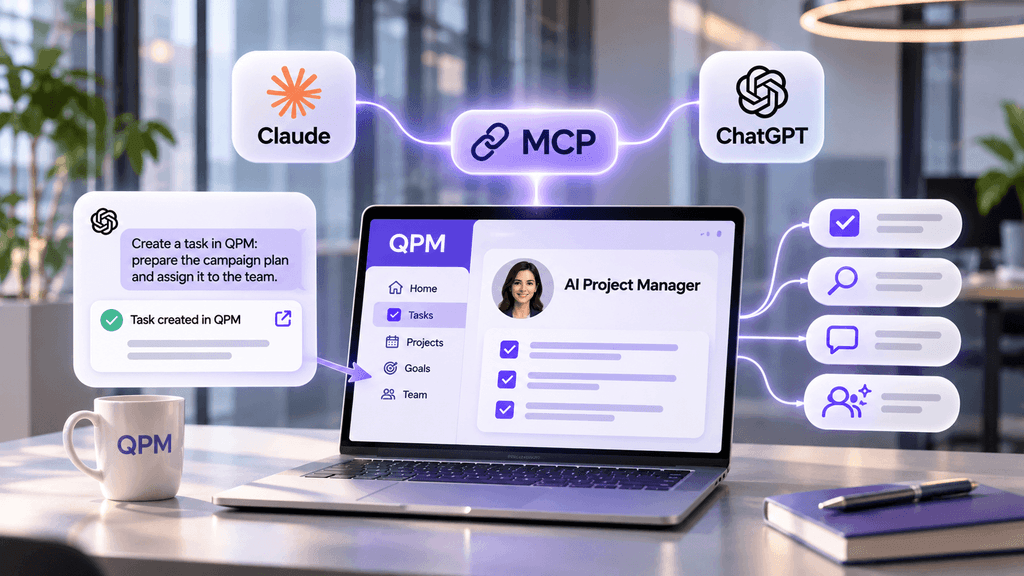
QPM Solutions connects to Claude and ChatGPT via MCP. Once connected, from the chat you can:
create projects and tasks, change statuses and assignees;
search for tasks and get project summaries;
leave comments;
assign tasks to the AI Project Manager — just like you would to a colleague.
The AI inside QPM itself doesn’t go anywhere. If you prefer working in the tracker, it has an AI assistant that breaks meeting minutes and documents down into tasks, and a magic wand next to every item. The AI Project Manager takes on tasks without you hiring a separate employee, and in meetings it acts as the PM and creates tasks from what was agreed.
That gives you two ways to work with the same tasks: from the tracker or from the AI chat — whichever is more convenient at the moment.
Conclusion
MCP isn’t a tool for programmers — it’s a way to connect an AI chat to the applications your team already works in. For marketing, sales and operations teams, it means less copying, fewer tabs, and tasks that appear in the tracker right after a conversation with AI.
Try QPM Solutions: qpm.solutions